
What Makes a Small Business Website Work in Malaysia? Seven Practical Checks
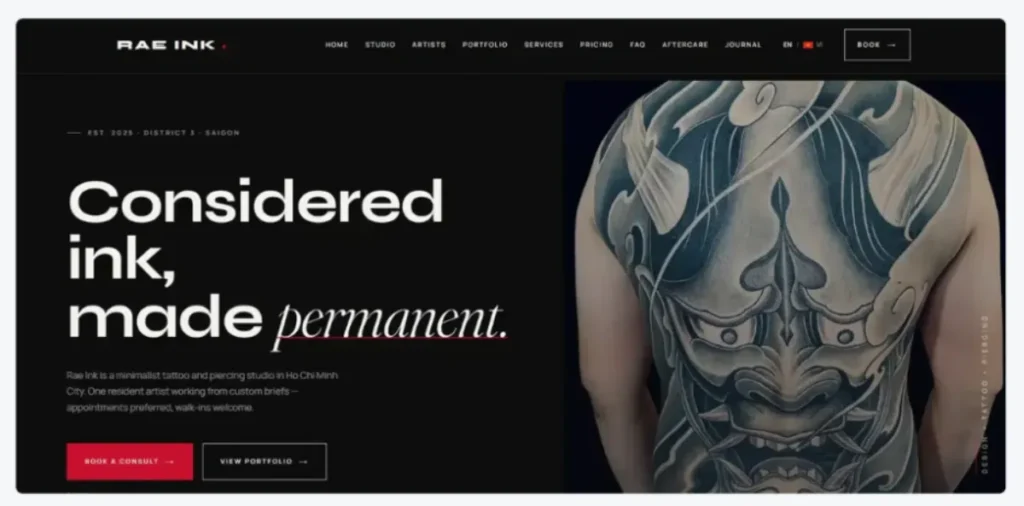
A customer finds a business through Google, Instagram or a recommendation in a WhatsApp group. They open the website on their phone and want three answers: Does this business offer what I need? Can I trust it? How do I get in touch? A fresh design can make a good first impression, but if the customer has to hunt for those answers, the site still has work to do.
Whether you’re planning a new website or improving an existing one, these seven checks will help you decide what to fix first.
1. Make the First Screen Count
Start with a plain sentence that says what you do and where you do it. “Commercial air-conditioning servicing in Klang Valley” tells a visitor more than “Your Trusted Solutions Partner.” Follow that sentence with a clear next step, such as checking the service area, requesting a quote or viewing buffet prices. A customer who lands on a service page from search should be able to understand the offer without visiting the homepage first.
2. Test It on a Phone Before You Approve It
Open the site on a phone using mobile data. Can you read the text without zooming? Can you tap the menu with one hand? Does the contact button cover prices, form fields or the bottom of the page? Then try to finish a real task, such as finding a price or submitting an enquiry. On a restaurant website, a readable menu and clear opening hours are usually more useful than a large video that starts the moment the page loads.
3. Give Customers a Useful Way to Enquire
Choose a contact method that suits the business. WhatsApp works well for quick questions, while a short form may be better for a project that needs specifications or several details. If you use WhatsApp, make the button say what happens next. A restaurant can label it “Ask About a Table” and prefill the date, time and party size. If the team still needs to confirm availability, say so clearly. That saves a round of messages without implying the booking is final.
4. Build Pages Around Questions Customers Already Ask
Pull up recent enquiries and look for repeated questions: “Do you cover my area?”, “What’s included?” and “How long does it take?” Put those answers on the relevant pages instead of hiding them in one long FAQ. If customers compare different services, give each service its own page with a clear title, relevant examples and a way to enquire. If you’re briefing an agency for website design in Malaysia, bring a list of those questions to the first meeting. It’s a better starting point for the page structure than a list of design effects.
5. Keep Both Languages Equally Useful
A bilingual site is useful only if someone can complete the same task in either language. If a visitor switches languages while reading a price page, take them to the equivalent price page instead of sending them back to the homepage. Translate practical details such as form labels, enquiry messages and booking notes as well as the main copy. The QQ JB Steamboat Buffet website case study shows how one Johor restaurant brings buffet information, directions and WhatsApp table enquiries together in Malay and English.
6. Put Proof Beside the Claim
Replace broad claims with something customers can check. A contractor can show a completed project and describe what was installed. A retailer can explain how collection, delivery and returns work. A restaurant can use current photos of the actual dining space rather than stock images. Put the evidence next to the claim it supports. Before launch, check that the phone number, address and opening hours match the details customers see on your business listings.
7. Decide What to Measure After Launch
Pick one or two actions that matter, such as completed quote forms or taps on a WhatsApp enquiry button. If you track WhatsApp taps, count them as clicks rather than confirmed bookings or sales. Ask the staff who answer enquiries whether customers arrive with the information they need. If people keep asking about parking, minimum order quantities or delivery areas, those questions tell you what to improve next.
Before adding another feature, ask someone who’s never seen your site to open it on their phone, find the information they need and try to contact you. Watch where they hesitate. That’s often the best place to start.
Related articles
 Technology
Business
5 Best Companies to Hire AI ML Developers for Enterprise Projects
Many businesses are turning to AI and machine learning in order to increase their efficiency and better serve customers fast and effectively.…
Read more Business
How Much Does LLM Fine-Tuning Cost in 2027?
There is no set price for fine tuning an LLM. If someone gives you a price quote without first reviewing your data…
Read more Business
Technology
How local businesses can reuse TikTok videos with a TikTok Downloader to strengthen their online presence
Many local businesses post good TikTok videos and then leave them on TikTok, where they fade from view within days. A customer…
Read more Business
How long does it take to transport frozen eggs to another country?
When we talk about cryo transportation and, in particular, the transport of frozen eggs, we must realise that this is a rather…
Read more Business
Bay Area Moving Checklist: Doors, Stairs and Access
A moving estimate usually starts with a list of belongings. An access plan starts with a different question: how will those belongings…
Read more Business
Technology
Building Better eCommerce Experiences with Magento Development and Shipping Integration
Introduction The eCommerce industry keeps moving, and customers have grown used to a lot. They expect online stores to be easy to…
Read more