
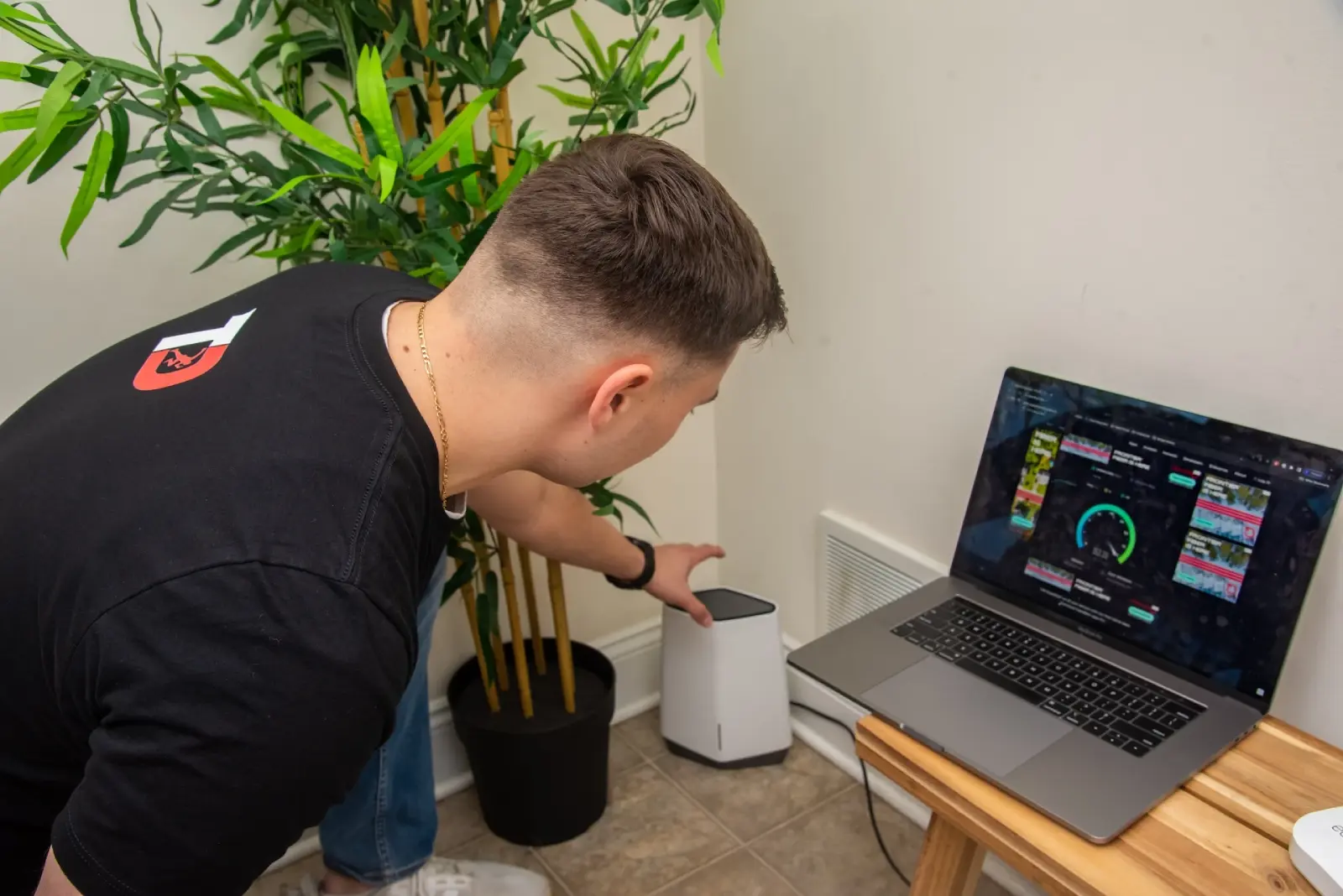
Smart Guide: How to Run Ethernet Cables When Moving Into a New House
Read Time:3 Minute, 37 Second
When you move into a new house, setting up fast and reliable internet is probably high on your list—but most people stop at setting up Wi-Fi. While wireless networks are convenient, Ethernet cables offer better speed, reliability, and security. If you want smooth streaming, solid smart home performance, or dependable remote work setups, it’s worth considering hardwiring key areas of your home.
This guide will help you understand how to plan, install, and maintain network cables when moving into a new space.
Why Install Ethernet Cables?
1. Stable, High-Speed Internet
Unlike Wi-Fi, Ethernet connections aren’t affected by walls, other devices, or interference. You’ll enjoy faster speeds and steady connections—perfect for video calls, gaming, and large file downloads.
2. Stronger Security
Ethernet setups are naturally more secure than Wi-Fi because they aren’t as easily accessible to outside users. This makes them an excellent choice for protecting sensitive information.
3. Reliable Connections for Every Device
With network cable installation, your devices don’t fight over bandwidth. Smart TVs, computers, and gaming consoles can all get the high-speed connection they need without slowing each other down.
Planning Your Home Ethernet Setup
Step 1: Decide Where You Need Wired Internet
Think about where stable connections will matter most:
- Home office areas
- TV rooms
- Gaming spaces
- Security system hubs
Step 2: Review Your Home’s Layout
Every home is different. Consider things like wall types, crawl spaces, and attic access to figure out the best cable paths.
Step 3: Pick the Right Materials
- Ethernet cables: Cat6 is great for most homes; Cat7 is better for longer distances or higher speeds.
- Network switches: Useful for connecting multiple devices in the same area.
- Wall outlets and covers: Keep your setup looking clean and professional.
How to Run Ethernet Cables in Your Home
1. Plan Cable Pathways
Try to route cables through walls, ceilings, or baseboards to keep them out of sight.
2. Measure Correctly
Measure each run with extra length to account for turns and slack.
3. Drill and Route
Drill carefully where needed and use protective tubing to keep cables safe.
4. Install Wall Ports
Wall plates not only look good but also protect cable ends.
5. Test the System
Check each connection to make sure you’re getting the speeds you expect.
Should You DIY or Call a Pro?
Doing It Yourself
If you’re comfortable using basic tools and following tutorials, you can handle simple installations. But running cables through walls and around obstacles can get tricky fast.
Hiring a Professional
A pro like TekDash can set everything up quickly and safely. They’ll help you choose the best routes and materials and ensure your network performs at its best.
Common Issues and How to Fix Them
- Thick walls: Use high-quality cables or look for less obstructed pathways.
- Cable length: Try to keep runs under 100 meters for best speed.
- Aesthetic concerns: Use wall plates, cable raceways, or run through walls to keep things looking neat.
Keeping Your Ethernet Network in Good Shape
- Inspect regularly: Check that cables are secure and not worn out.
- Upgrade as needed: New tech may require faster cables or better hardware.
- Stay organized: Use cable ties and labels to prevent clutter and confusion.
Wrapping It Up
Adding Ethernet cable installation to your move-in checklist can dramatically improve your internet experience. Whether you install the cables yourself or hire a company like TekDash, planning your network layout early will save you headaches later. A wired setup gives you the reliable, high-speed performance that today’s smart homes demand.
Quick FAQs
Is Ethernet really better than Wi-Fi?
Yes! Ethernet is faster, more stable, and more secure.
Can I run Ethernet cables on my own?
You can, but if you want a polished, hassle-free result, hiring a professional is a smart move.
Which type of cable should I buy?
Cat6 is great for most homes. If you want top speeds and better shielding, go with Cat7.
How much does it cost to have Ethernet cables installed?
It depends on the size of your home and the number of ports, but professional installation is often worth the investment.
How can I keep cables hidden?
Run them through walls, ceilings, or use special covers and conduits to keep your setup looking sharp.

Happy
100 %

Sad
0 %

Excited
0 %

Sleepy
0 %

Angry
0 %

Surprise
0 %
 1
1
 0
0