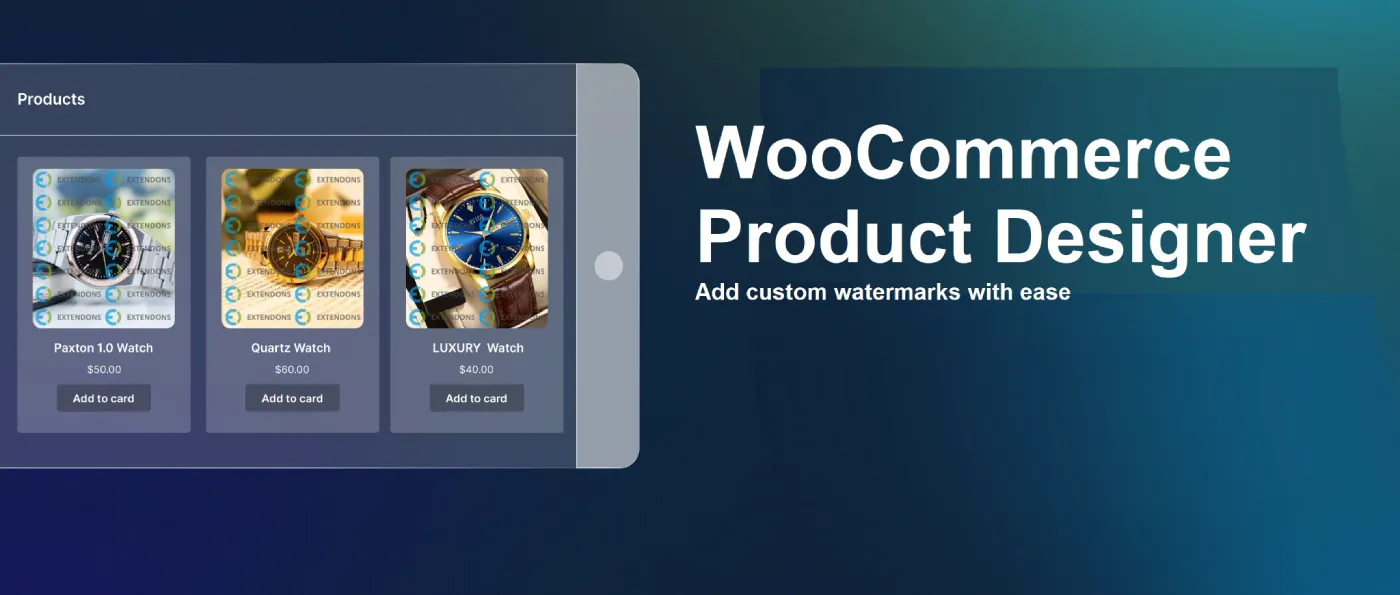
Design Your Own Custom Products with WooCommerce Product Designer
Read Time:4 Minute, 39 Second
Ever wondered what it would be like if your customers could design their own products directly from your online store? That’s exactly what got me curious about the WooCommerce Product Designer. I wanted to give my store a more interactive vibe, where shoppers could personalize products without needing a back-and-forth conversation with me.
I had been eyeing this plugin for a while, but I finally decided to test it out — and honestly? It’s been a total game-changer for my store in 2025. If you’re thinking about trying it out, let me spill everything about my experience and why I think this plugin is perfect for custom product shops this year.
Why I Went for WooCommerce Product Designer
So here’s the thing — custom products are kinda the trend in 2025. People want stuff that feels personal, whether it’s a t-shirt with their name on it or a custom mug with their favorite quote. I knew I wanted to jump on this wave, but the last thing I wanted was some clunky, complicated plugin that would make my life harder.
After doing a bit of digging, the WooCommerce Product Designer kept popping up. What caught my eye was how beginner-friendly it seemed. No coding, no complicated setup — just a simple way to let customers design their own products straight from the product page.
Setting It Up – Easier Than I Thought
Okay, confession time — I’m not exactly a tech genius. So, I was lowkey dreading the installation part. But this plugin literally surprised me. Installing the WooCommerce Product Designer was super smooth.
I installed it directly from the WooCommerce marketplace, activated it, and it automatically synced with my products. No weird errors or confusing settings. I had the whole thing up and running in less than 20 minutes.
The customization dashboard was clean and easy to figure out. I could set up which products would have design options, what kind of customizations were allowed (like text, images, or shapes), and even set a price for extra design elements.
My First Test
To test things out, I added the designer tool to a custom t-shirt product on my site. I wanted to see how the whole design process worked from a customer’s point of view. And you know what? It was actually fun to use.
Customers can:
- Add custom text with different fonts
- Upload their own images
- Move elements around with drag-and-drop controls
- See live previews of their designs
It kinda felt like a mini Canva, but inside my own store. And the best part — the live previews looked exactly like the final product, so customers knew what they were getting before they even added the product to their cart.
How It Helped My Store
Before I started using the WooCommerce Product Designer, my store’s product pages were… well, kinda boring. People would scroll, maybe add something to the cart, and bounce. But once I added the customization tool, everything changed.
Suddenly, people were spending way more time on my site — like minutes instead of just a few seconds. They were playing around with designs, creating their own versions, and actually having fun while shopping.
And the best part? My sales went up too. Something about giving people control over how their products look makes them way more likely to hit that checkout button.
The Coolest Features (in My Opinion)
If you’re thinking about getting this plugin, here’s what I loved the most:
- Drag-and-Drop Design Tools: Customers can literally drag their text and images wherever they want on the product.
- Live Previews: This was a game-changer. No more guesswork — customers see exactly what their final product will look like.
- Custom Pricing Rules: I could charge extra for things like adding custom images or special fonts.
- Mobile-Friendly: Okay, it’s not perfect (I’ll get to that later), but the mobile version works way better than I expected.
What Could Be Better
Alright, I gotta keep it real. The plugin isn’t perfect. The mobile version is good… but not great. It works fine for simple designs, but if customers are trying to create something with a lot of layers or text, the interface can feel a little squished.
Another thing is that the customization options are a bit basic if you’re trying to offer super advanced product designs. But honestly, for 90% of stores out there, this plugin is more than enough.
Is It Worth It in 2025?
Honestly? Yes, 1000% yes.
If you’re running any kind of store that sells custom products, the WooCommerce Product Designer is totally worth the investment in 2025. It adds this whole interactive vibe to your store without making the whole process overly complicated.
With how popular custom products are right now, this plugin literally feels like a must-have. Plus, it’s affordable compared to other customization tools I’ve seen out there.
My Final Thoughts
After using the WooCommerce Product Designer for a couple of months, I can confidently say it’s one of the best things I’ve added to my store. It made my site feel more alive, boosted my sales, and actually made shopping on my site… fun? Which is kinda rare these days, not gonna lie.
Custom products are a rage in 2025, and if you wanna be a part of that party, this plugin is gonna be a really good partner to you. The best thing I like about it is that it’s simple, affordable, and just ends up making your store stand out!
Would I recommend it? Yeah, without a doubt.

Happy
0 %

Sad
0 %

Excited
0 %

Sleepy
0 %

Angry
0 %

Surprise
0 %
 0
0
 0
0